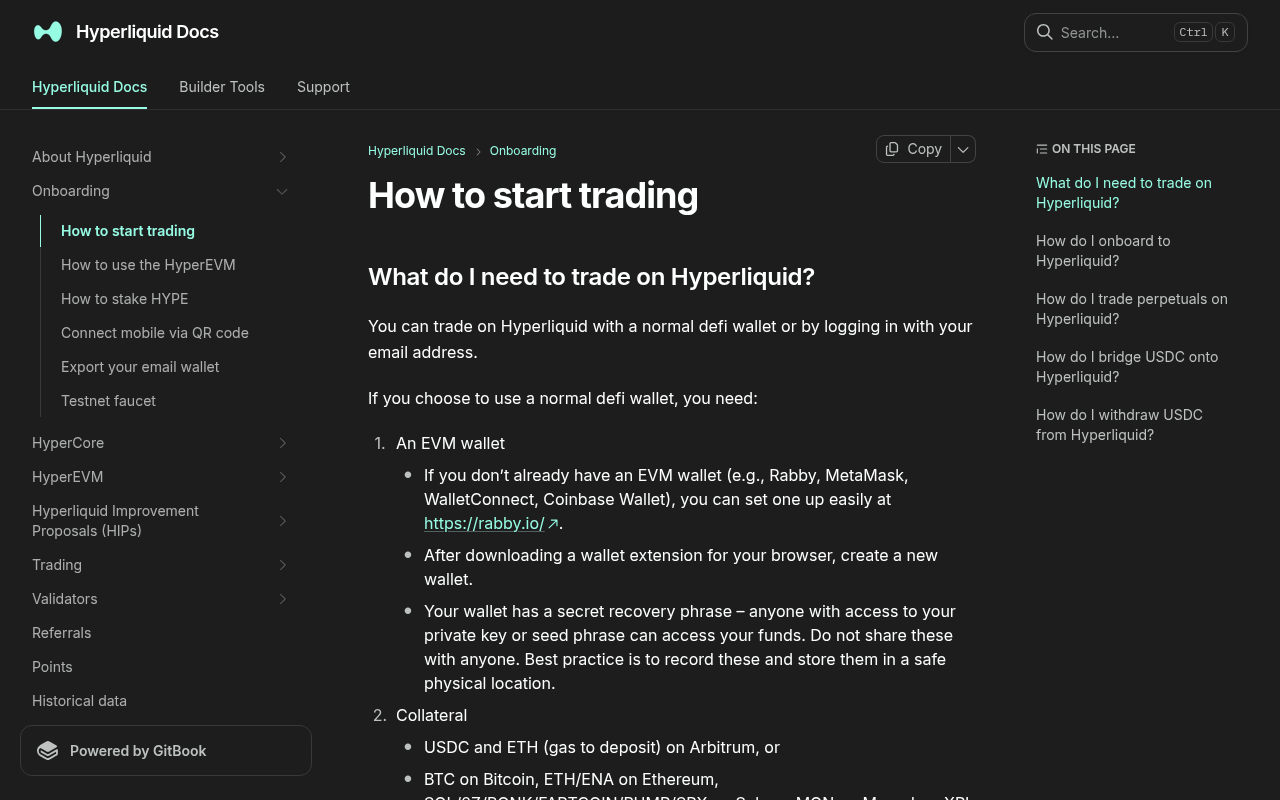
*Evidence: Official documentation, captured and refreshed automatically each week. Official source.*
This is the normal USDC withdrawal path. It is different from Hyperliquid's internal Send action and from withdrawing capital locked in a Vault.
Before withdrawing
- Close or reduce positions only when that is part of your plan.
- Cancel stale orders that could reopen exposure or reserve margin.
- Confirm the available withdrawable USDC rather than total account value.
- Verify the active main account or sub-account.
- Copy the destination address from the wallet you control and compare it character by character.
- Read the current amount, fee, destination network, and time estimate in the modal.
Step-by-step withdrawal
1. Open the official Withdraw flow
Use the Withdraw button in the official interface. Do not use Send as a substitute: Hyperliquid support says Send transfers assets to another Hyperliquid blockchain account and is not a cross-chain withdrawal.
2. Choose USDC and Arbitrum
Confirm that the action explicitly says withdrawal to Arbitrum. The destination must be an address you intend to control or a destination that explicitly supports that exact route. Do not send directly to a centralized exchange unless its current deposit screen confirms support for the resulting asset and network.
3. Enter an amount that leaves room for the fee
The official onboarding page currently states a $1 fee. Read the live modal because fees and minimums can change. For a first withdrawal, use a small amount large enough to be useful after the fee.
4. Verify the destination and submit
Compare the first and last characters of the destination again. Review the action and confirm it through the connected account. Never provide a seed phrase, private key, or email login code to complete a withdrawal.
5. Track the withdrawal
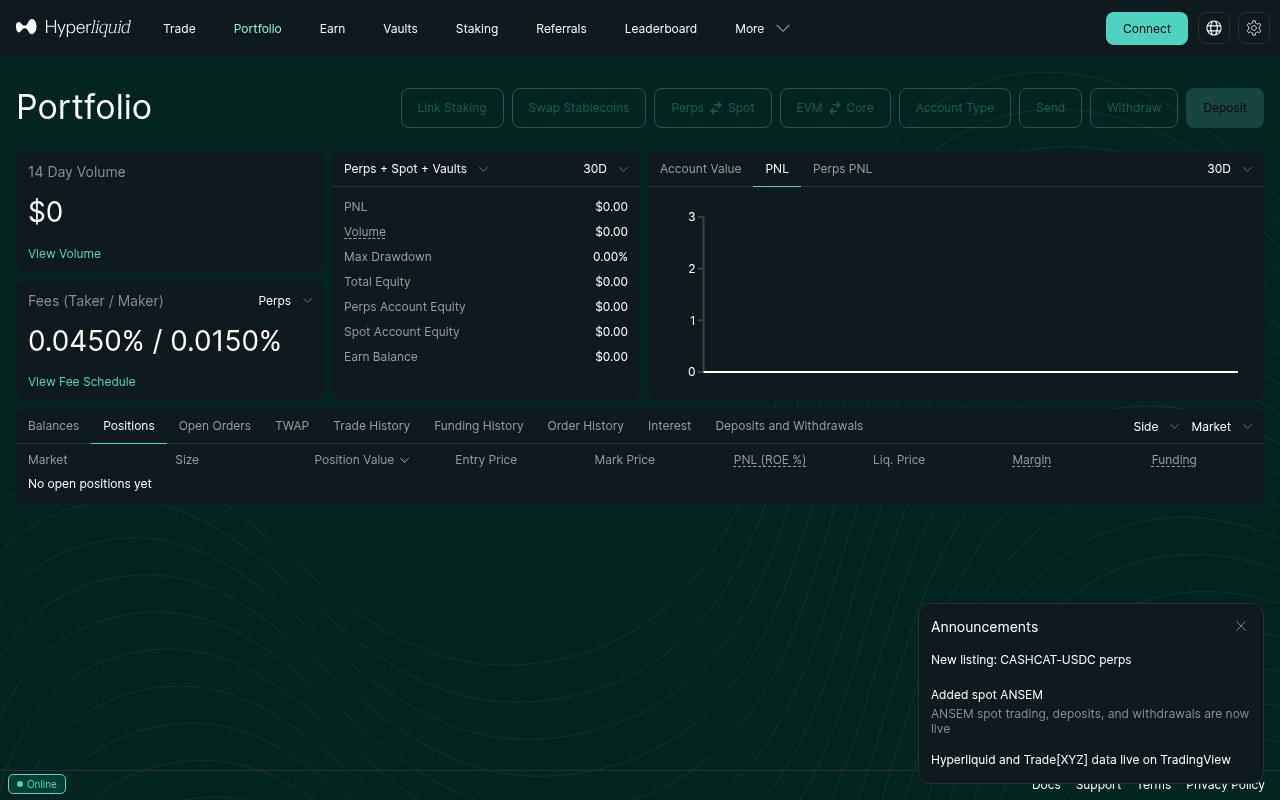
Open Portfolio → Deposits & Withdrawals. The action should be labeled Withdrawal, not Send. Save the public transaction or explorer reference and wait through the estimate displayed by the product.
Success check
Treat the task as complete only when:
- Portfolio labels the action as Withdrawal;
- its status reaches Completed;
- the explorer destination matches the intended address;
- the destination wallet shows the expected USDC on Arbitrum;
- the remaining Hyperliquid balance and positions match your plan.
Failure and recovery
- Action says Send Spot or Send USDC: the asset was sent to another Hyperliquid account, not withdrawn to Arbitrum.
- Status is Pending: wait through the live estimate; network congestion can extend it.
- Status is Completed but wallet is empty: use the explorer link to verify destination, network, and token display in the wallet.
- Status is Failed: retain the public evidence and follow current official support instructions.
- Funds reappear automatically: check whether a connected trading bot is configured to deposit balances automatically.
Vault withdrawals are separate
Vault capital can have lockups and a different withdrawal workflow. Do not apply the normal USDC bridge timing or $1 fee statement to a Vault withdrawal without checking the Vault's current rules.
Official sources and review date
Facts verified July 16, 2026. Scheduled for factual review August 16, 2026.Risk warning: A wrong destination or unsupported exchange route can cause permanent loss. Test the complete route with a controlled amount before moving significant funds.