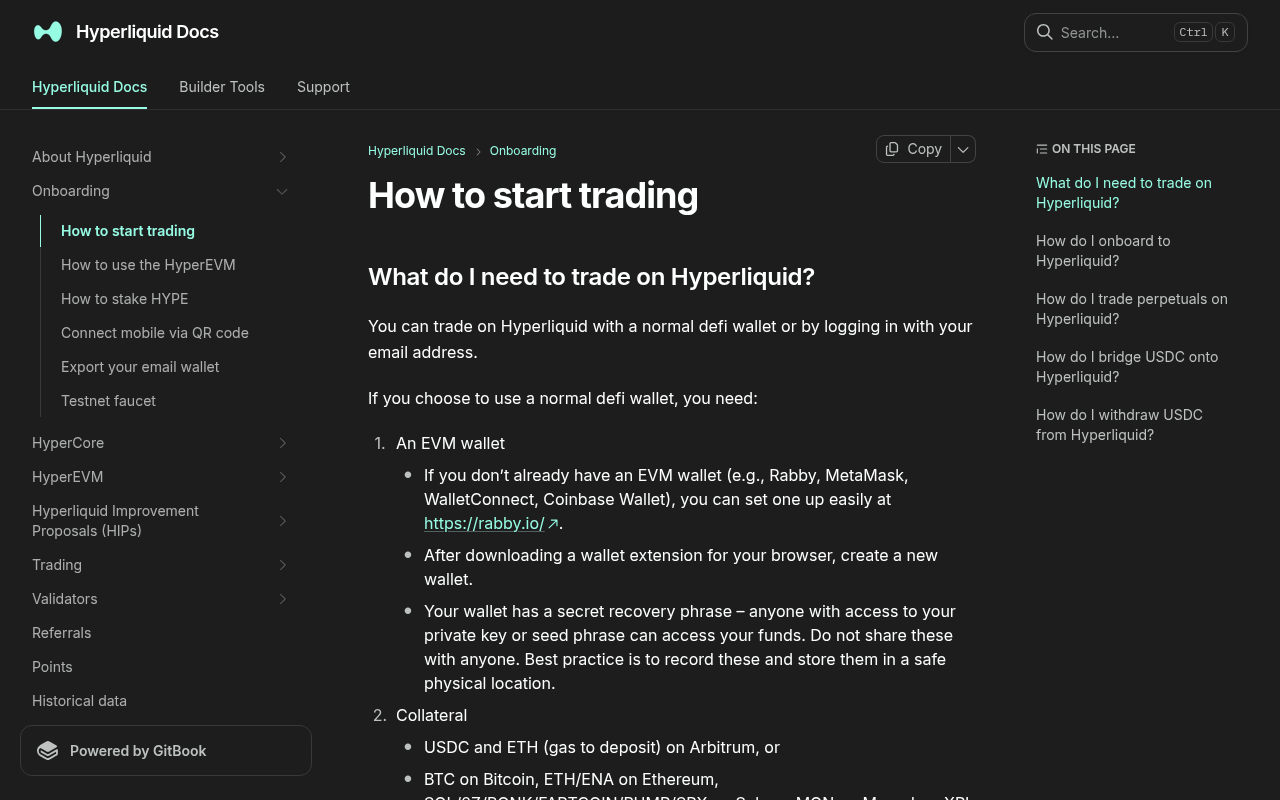
*Evidence: Official documentation, captured and refreshed automatically each week. Official source.*
Here's exactly how to do it, the fees involved, and a couple of mistakes I made so you don't have to.
Why OKX → Hyperliquid?
Hyperliquid only accepts USDC deposits via the Arbitrum network. You can't send USDC from Ethereum mainnet or any other chain directly — it has to be Arbitrum One.
OKX supports direct USDC withdrawals to Arbitrum, which means you skip the entire bridging step that other exchanges force you through. No Ethereum gas fees, no third-party bridge risk.If you're evaluating whether Hyperliquid is right for you, I wrote a detailed comparison of Hyperliquid vs dYdX vs GMX that covers fees, execution, and liquidity.
What You Need Before Starting
- An OKX account with USDC balance (or fiat to buy USDC)
- A web browser with a wallet (MetaMask, Rabby, or any Arbitrum-compatible wallet)
- About 15–20 minutes
Step-by-Step: OKX to Hyperliquid Deposit
Step 1: Get Your Hyperliquid Deposit Address
- Go to Hyperliquid and connect your wallet.
- Click "Deposit" in the top-right area of the trading interface.
- Hyperliquid will display your deposit address — this is your Arbitrum wallet address (the same as your connected wallet's address on Arbitrum One).
- Copy this address. Double-check it starts with
0x.
Note: Hyperliquid deposits go to your connected wallet address on Arbitrum. There's no separate deposit address — it's your wallet.
Step 2: Withdraw USDC from OKX to Arbitrum
- Log in to OKX and go to Assets → Withdraw.
- Select USDC as the token.
- For the withdrawal method, choose On-chain.
- Paste your Hyperliquid wallet address (from Step 1).
- Select the network: Arbitrum One — this is critical. Do NOT select Ethereum (ERC-20) or any other network.
- Enter the amount you want to transfer.
- Review the fee — as of 2026-04, OKX charges approximately 0.1 USDC for Arbitrum withdrawals (dramatically cheaper than the ~3–5 USDC for Ethereum mainnet).
- Confirm with your 2FA (email/phone/authenticator).
Step 3: Wait for Confirmation
The withdrawal typically takes 5–15 minutes. You can track it in:
- OKX: Assets → Withdrawal History
- Arbiscan: Search your wallet address to see the incoming transaction
Step 4: Confirm Deposit on Hyperliquid
- Go back to Hyperliquid's trading interface.
- Your USDC balance should update automatically once the Arbitrum transaction confirms.
- If you don't see it immediately, click "Deposit" again — sometimes the UI needs a refresh.
Fees Breakdown
| Step | Fee | Time |
|---|---|---|
| OKX withdrawal (Arbitrum) | ~0.1 USDC (as of 2026-04) | 5–15 min |
| Hyperliquid deposit | Free | Instant after Arb confirmation |
| Total | ~0.1 USDC | ~15 min |
Two Mistakes I Made (So You Don't Have To)
Mistake 1: Selecting the Wrong Network
The first time I did this, I almost selected "USDC (ERC-20)" instead of "USDC (Arbitrum One)". If you send USDC on the wrong network, Hyperliquid won't see it — the funds will sit in your wallet on the wrong chain, and you'll need to bridge them manually (extra fees, extra time).
Always double-check the network says "Arbitrum One" before confirming.Mistake 2: Not Having Enough for the Minimum
Hyperliquid has a minimum deposit of 5 USDC (as of 2026-04). I once tried sending exactly 5 USDC, but after the OKX withdrawal fee, only 4.9 USDC arrived. The deposit showed up in my wallet on Arbiscan, but Hyperliquid didn't register it as a valid deposit until I topped it up.
Send at least 6 USDC to clear the minimum after fees (as of 2026-04).How to Withdraw Back to OKX
The reverse process is straightforward:
Like what you're reading? Try it yourself — this link supports ChartedTrader at no cost to you.
Sign up on OKX to get started →- On Hyperliquid, click "Withdraw".
- Your USDC will be sent to your connected wallet on Arbitrum.
- On OKX, go to Assets → Deposit → USDC → Arbitrum One.
- Copy your OKX Arbitrum deposit address.
- From your wallet (MetaMask/Rabby), send USDC to that OKX address on Arbitrum.
Alternative Methods
OKX Web3 Wallet
If you use OKX's built-in Web3 wallet, you can bridge directly from the OKX app without switching to MetaMask. The flow is similar — withdraw USDC to Arbitrum via the Web3 wallet, then deposit to Hyperliquid from there.
Other Exchanges
Binance and Bybit also support Arbitrum USDC withdrawals, but I've found OKX's fees to be consistently among the lowest (0.1 USDC vs 0.3–1.0 USDC on some competitors, as of 2026-04).
Tips for Larger Transfers
- Test with a small amount first. Send 10 USDC, confirm it arrives on Hyperliquid, then send the rest. The 0.1 USDC fee is worth the peace of mind.
- Check OKX withdrawal limits. Depending on your KYC level, there may be daily withdrawal caps.
- Keep some USDC on OKX if you plan to use both platforms. I split between OKX for spot and Hyperliquid for perps — different tools for different jobs.
FAQ
Can I send USDT instead of USDC to Hyperliquid?
No. Hyperliquid only accepts USDC on Arbitrum. If you have USDT on OKX, you'll need to convert it to USDC first (OKX's spot market USDC/USDT has no trading fee for this pair, as of 2026-04).
How long does the OKX to Hyperliquid transfer take?
Typically 10–20 minutes end to end. The OKX withdrawal processing takes 5–10 minutes, and the Arbitrum network confirmation is near-instant (a few seconds). Occasionally OKX may take longer during high-traffic periods.
Is there a minimum deposit amount on Hyperliquid?
Yes, 5 USDC (as of 2026-04). Make sure to account for the OKX withdrawal fee (~0.1 USDC, as of 2026-04) so your deposit clears the minimum.
Do I need ETH on Arbitrum for gas fees?
Not for the deposit. OKX pays the gas to send USDC to Arbitrum, and Hyperliquid's deposit is gasless. However, if you want to withdraw from Hyperliquid to an external address (not back to your wallet), you may need a tiny amount of ETH on Arbitrum for the transaction fee — we're talking less than $0.05 (as of 2026-04).Can I use a hardware wallet (Ledger/Trezor) with Hyperliquid?
Yes. Connect your Ledger or Trezor through MetaMask, then use that as your Hyperliquid wallet. The deposit process is the same — just make sure you withdraw from OKX to your hardware wallet's Arbitrum address.
---
*This article contains affiliate links. If you sign up through our links, we may earn a commission at no extra cost to you. All opinions are based on personal trading experience.*
*Trading perpetual futures involves significant risk of loss. Never deposit more than you can afford to lose.*
---
Just Signed Up? Here's What to Do Next
OKX: Follow our complete OKX setup guide — from KYC verification to your first trade in under 15 minutes. Hyperliquid: Follow our Hyperliquid setup guide — wallet connection, USDC bridging, and your first perps trade.---