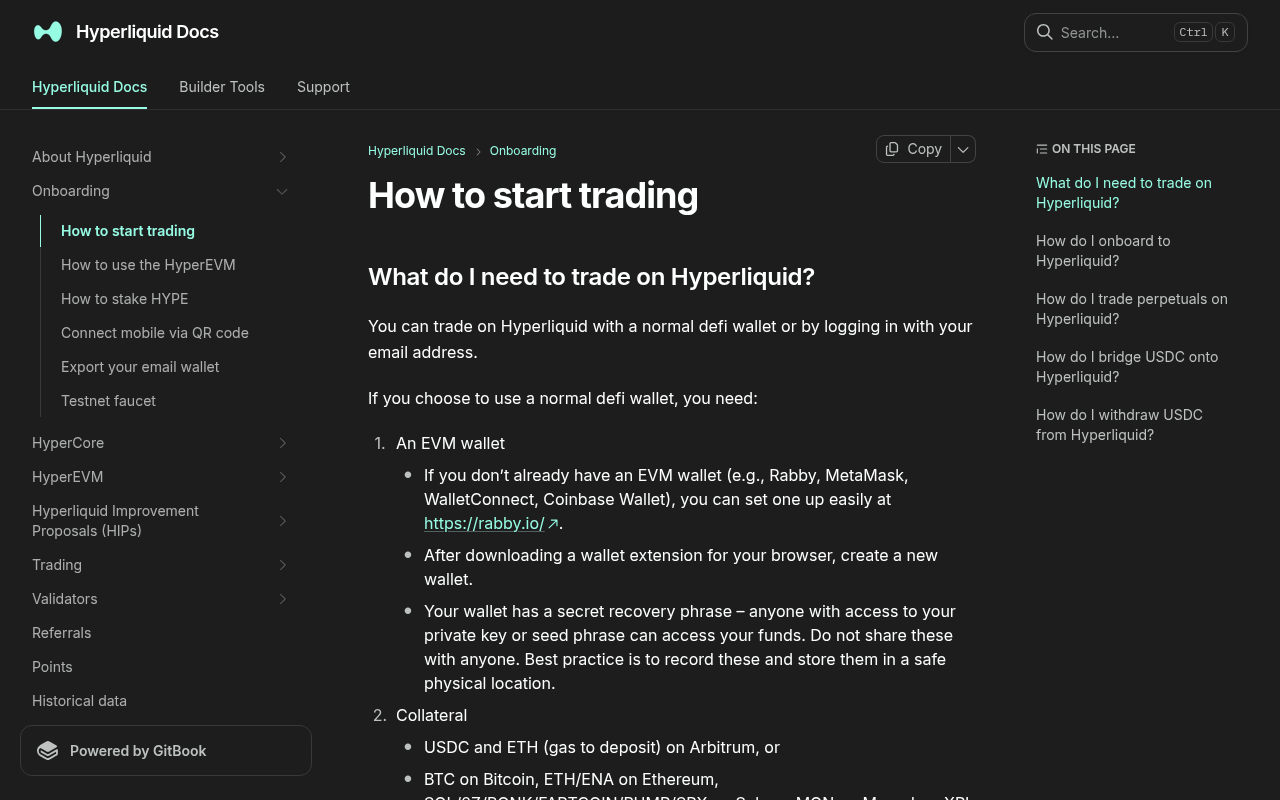
*Evidence: Official documentation, captured and refreshed automatically each week. Official source.*
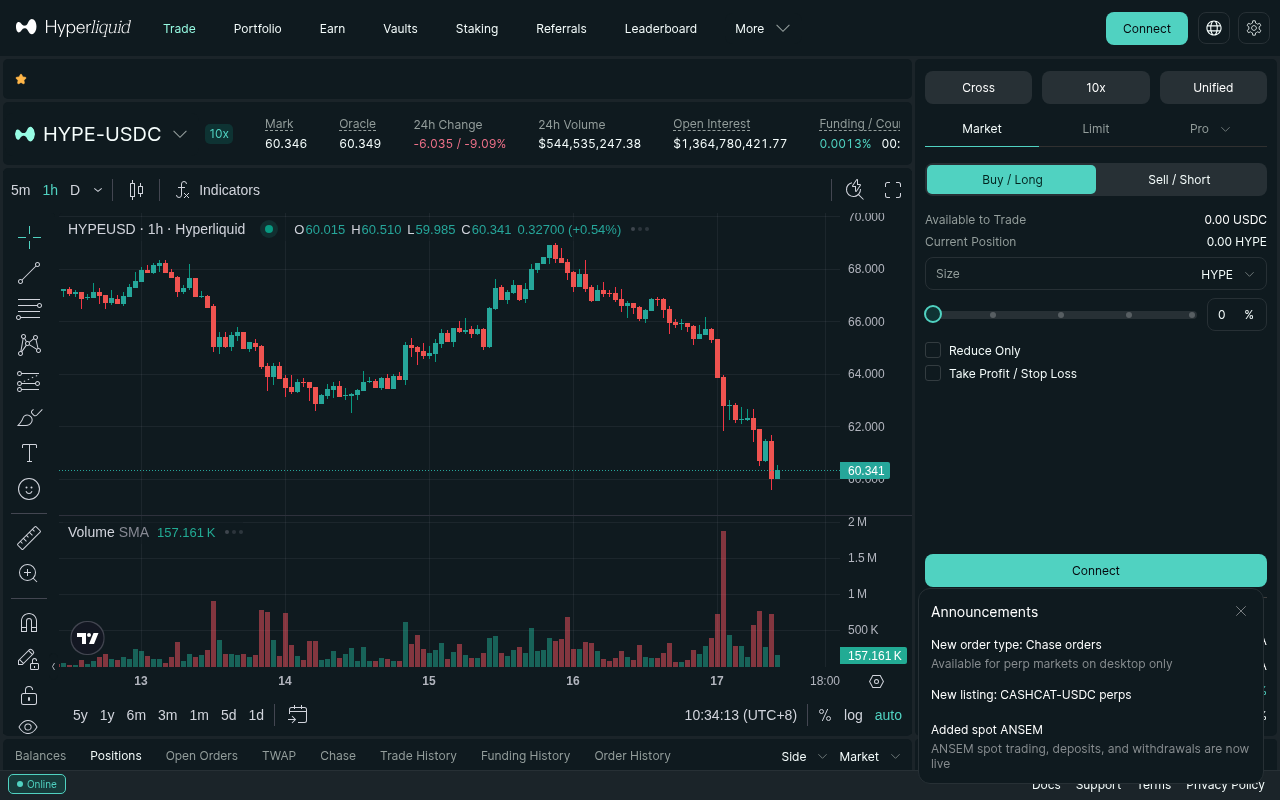
*Evidence: Logged-out mainnet public UI, captured and refreshed automatically each week. Official source.*
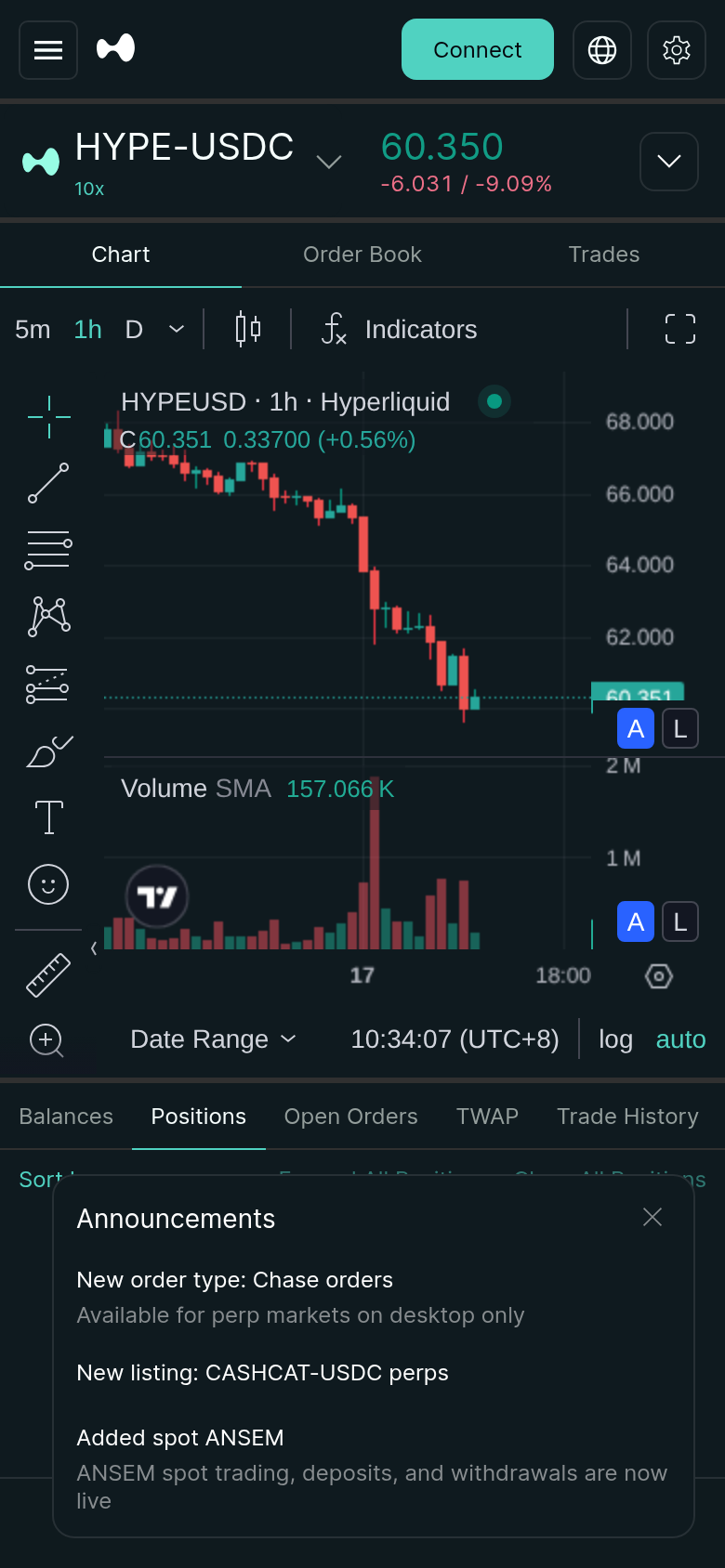
*Evidence: Logged-out mainnet public UI, captured and refreshed automatically each week. Official source.*
The short version: start with the account model you can secure, make a small test deposit, use isolated margin and low leverage for the first trade, place the exit before increasing size, and test a withdrawal before committing more capital.
Journey: browse every Hyperliquid stage and guide.
Official references used throughout: onboarding, fees, margining, liquidations, referrals, and protocol Vaults. Facts checked July 15, 2026.
The 60-second answer
Hyperliquid is a fully onchain order-book venue for spot and perpetual markets. You can access the official app with an email-created wallet or a normal DeFi wallet. The onboarding flow does not use the conventional exchange account-and-ID-verification sequence, but access is still subject to Hyperliquid's terms and geographic restrictions.
For a first-time user, this is the safest sequence:
- Decide whether the platform fits your market, custody, and jurisdiction needs.
- Choose email login or a wallet you can recover securely.
- Deposit a small test amount using a route the deposit screen currently supports.
- Use a liquid market, isolated margin, low leverage, and a deliberately small position.
- Add a stop loss and understand the displayed liquidation price before adding size.
- Close part of the position, reconcile the fill and fees, then test a withdrawal.
Choose your path
- Brand new: account setup → funding → first trade → stop loss → test withdrawal.
- Already trading: fees → margin → liquidation → funding costs → PnL reconciliation.
- Looking for yield: HLP vs user Vaults vs HYPE staking → lockups → drawdown and leader risk.
- Building automation: API wallet separation → SDK → WebSocket recovery → fill reconciliation.
1. Start here: email or wallet
The official app supports two practical access models:
| Access method | Best for | Main responsibility |
|---|---|---|
| Email login | A simpler start without an existing wallet extension | Secure the email account, understand the generated wallet, and know how export/recovery works |
| DeFi wallet | Users already comfortable with Rabby, MetaMask, WalletConnect, or another EVM wallet | Protect the seed phrase/private key and verify every signature |
Read email vs wallet login on Hyperliquid before choosing. On mobile, use the QR connection walkthrough. If signing loops or the wallet never connects, re-check the same account and connection steps before moving funds.
Never paste a seed phrase or private key into a support chat, form, or website. Bookmark the official app yourself and verify the domain before connecting.
2. Fund the account safely
Hyperliquid's current deposit screen supports more than the original Arbitrum-USDC route. The official onboarding documentation lists USDC on Arbitrum plus selected assets and networks such as BTC on Bitcoin, ETH/ENA on Ethereum, and selected Solana, Monad, and Plasma assets. Non-quote assets may need to be sold into the quote asset required by the market you want to trade.
For a beginner using the canonical USDC route:
- Hold native USDC and a small amount of ETH for gas on Arbitrum.
- Open Deposit in the official Hyperliquid app.
- Confirm the asset, source network, destination, and minimum shown in the interface.
- Send a small test amount first.
- Wait until it is credited before sending the rest.
3. Place the first perp trade
A perpetual contract gives long or short price exposure without buying the underlying asset. Position size is not the same as collateral: leverage multiplies the notional exposure controlled by your collateral.
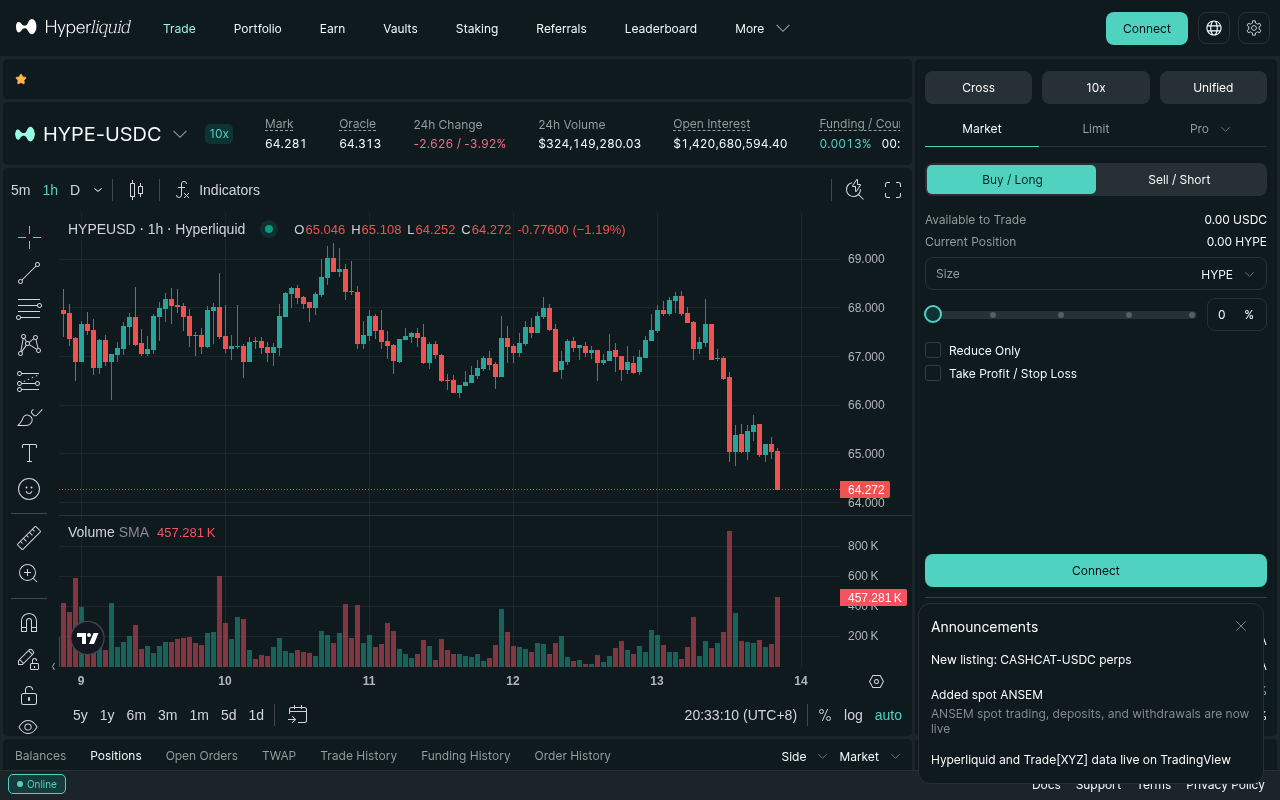
For the first order, make the goal operational verification—not profit:
- Choose a liquid perp and inspect the order book spread.
- Select isolated margin and low leverage.
- Enter a position small enough that a full loss would not matter financially.
- Prefer a limit order when you can wait; use a market order only after checking depth and expected slippage.
- Confirm direction, size, estimated liquidation price, and order type before submitting.
- After the fill, place the stop loss and a reduce-only exit.
The referral link on this page applies a 4% fee discount to the first $25M of eligible volume under Hyperliquid's current referral rules. The discount does not apply to Vaults or sub-accounts, which the clearinghouse treats separately.
4. Set fees, margin, and liquidation risk
Hyperliquid uses rolling 14-day volume tiers, separate perp and spot schedules, staking discounts, and maker rebates. Do not memorize one headline fee and assume it covers every market. Check the live fee schedule and your account's actual rate.
Start with maker vs taker fees on Hyperliquid. Then compare the cost impact with the free fee calculator.
Margin mode changes what is exposed:
- Cross margin shares collateral across cross positions. It is capital-efficient, but losses in one position can consume the buffer protecting others.
- Isolated margin constrains collateral to one asset/position. A liquidation there does not affect other isolated positions or cross positions.
Liquidations use mark price and maintenance margin, not simply the last traded price. For cross positions, displayed liquidation estimates can move as funding, account equity, and other positions change. Use the liquidation price and maintenance margin guide and size the trade with the position-size calculator.
5. Build repeatable risk controls
A liquidation price is not a risk plan. It is the point at which the platform begins taking control away from you.
Before every position, define:
- the price that invalidates the trade;
- the maximum account loss in dollars;
- the position size implied by that stop distance;
- whether the stop is a market or limit trigger;
- whether the exit is reduce-only;
- what happens if the browser, wallet, or connection fails.
Funding is another real cost. Positive funding generally transfers value from longs to shorts; negative funding reverses the direction. The rate can change while you hold the position. Use the funding-rate history and cost guide before holding leveraged exposure for days.
6. Reconcile PnL, fills, and account value
Do not judge a trade only from the position card. Reconcile:
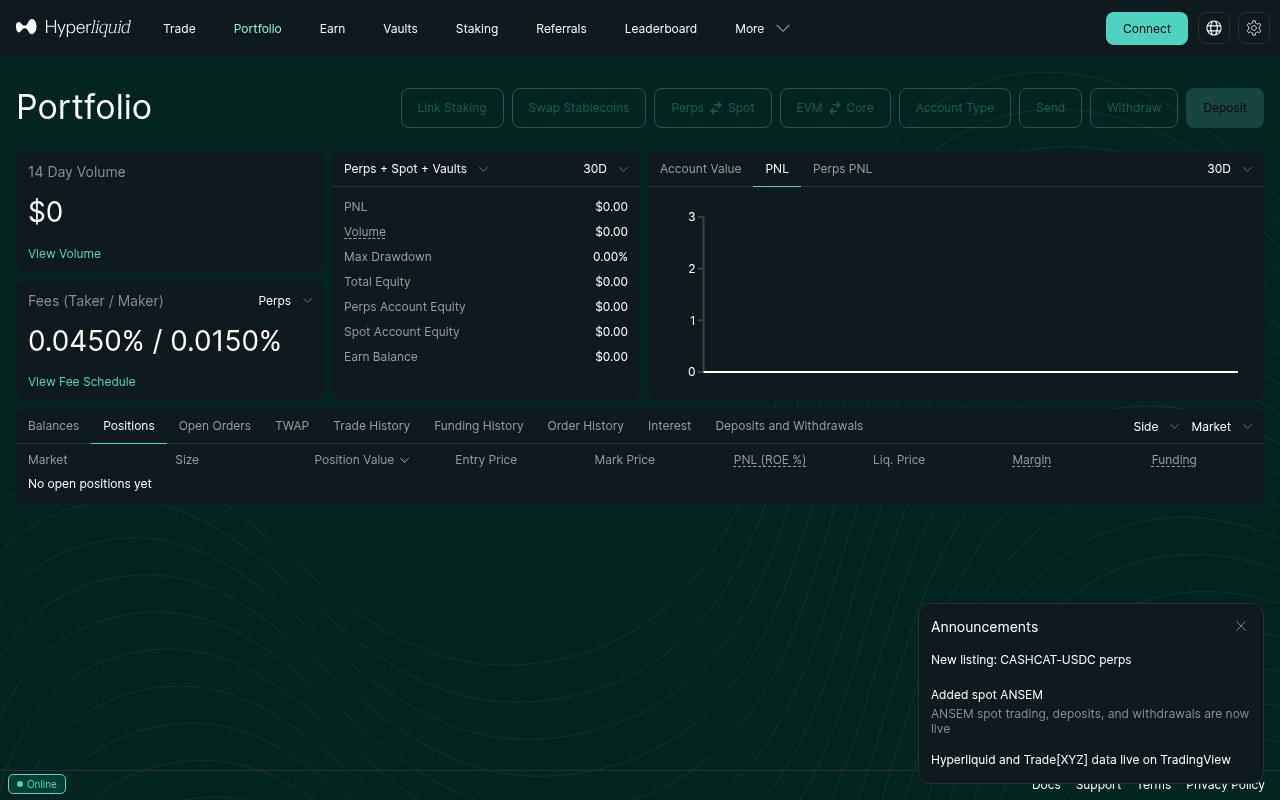
- entry and exit fills;
- maker/taker fees;
- funding payments;
- realized and unrealized PnL;
- transfers between spot, perps, sub-accounts, or Vaults.
7. Vaults, staking, and more markets
Once the basic trade-and-withdraw loop works, the platform opens into several different risk products. They should not be treated as interchangeable “yield.”
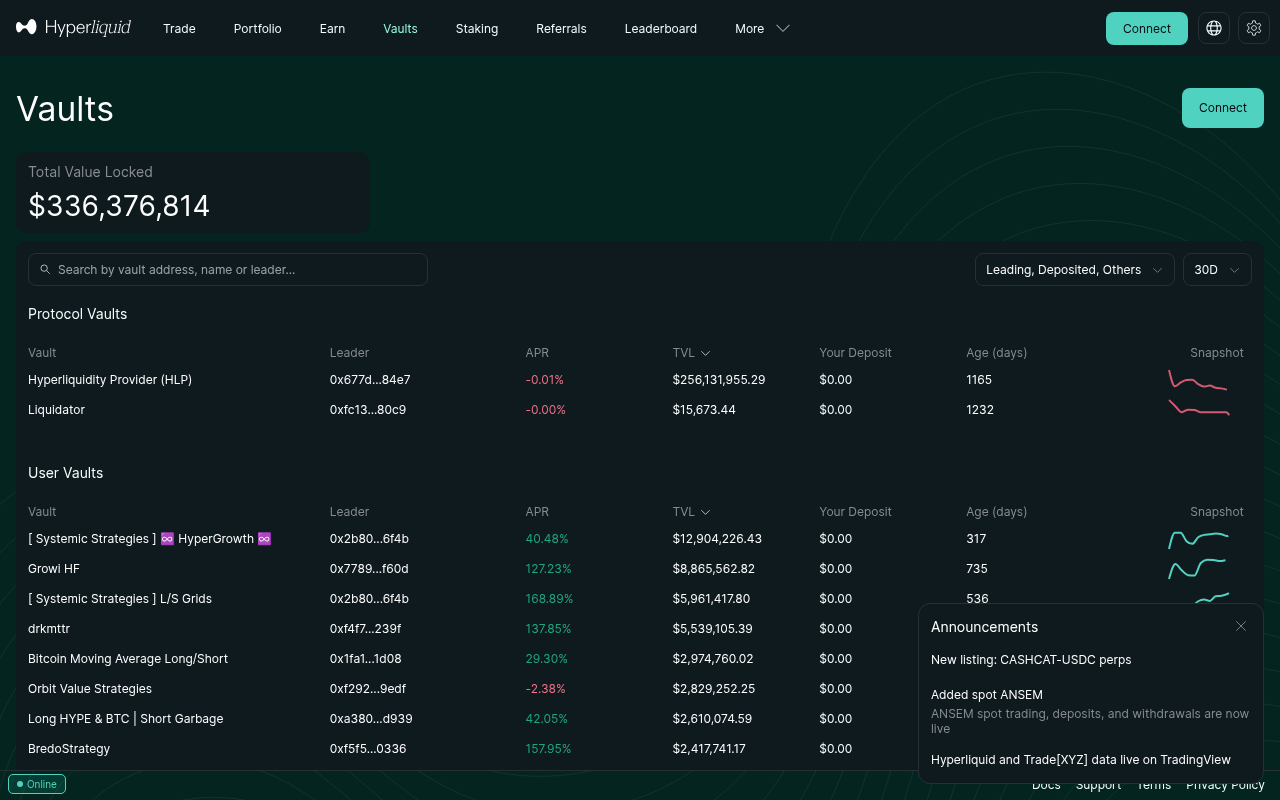
- HLP supplies capital to protocol liquidity and liquidation strategies. Its official deposit lock is currently four days after the most recent deposit.
- User Vaults expose depositors to a leader's trading, fees, drawdowns, positions, and execution. The current official documentation lists a one-day lock for user Vaults.
- HYPE staking is network staking with a different return and risk source from trading Vaults.
Hyperliquid also includes spot markets and HIP-3 deployed perp markets. Product availability, oracle design, liquidity, fee scaling, and trading hours can differ. For one worked example, see the S&P 500 perpetual guide.
8. Withdraw USDC or Vault capital
Treat withdrawal as part of onboarding, not something to discover during an emergency.
For the official USDC-to-Arbitrum route, the current documentation instructs users to select Withdraw, enter the amount, and choose Withdraw to Arbitrum. It currently states that the withdrawal itself does not require gas and charges a $1 fee. You will still need to manage the asset after it arrives on Arbitrum.
Vault withdrawal is a separate workflow. HLP and user Vaults have lock periods, and withdrawing from a Vault can involve open-position exposure and slippage. Read Vault lockups and withdrawal schedules.
Run a small withdrawal test early. Confirm the destination, network, received amount, fee, and total time. That test is worth more than assuming the exit path works.
9. Automate without losing control
Automation adds a second account-security model: agent/API wallets, permissions, keys, nonce/order state, rate limits, WebSocket recovery, and reconciliation.
Start with the Hyperliquid Python SDK tutorial. Keep the trading agent separate from the master wallet, grant only the permissions required, cap its deployable capital, and build a kill switch before running unattended.
A production bot must recover state after disconnects rather than assuming every streamed event arrived. Use the WebSocket reconnect and missed-fill guide and reconcile orders/fills against authoritative API responses after every reconnect.
Troubleshooting by symptom
| Symptom | First check | Detailed guide |
|---|---|---|
| Wallet will not connect or sign | Domain, extension state, network, cached session | Email vs wallet setup |
| Deposit does not appear | Asset, source network, minimum, destination address | Getting started and funding |
| First order stays open | Limit price versus book, available margin, order state | Pending first trade |
| PnL differs from expectation | Fees, funding, partial fills, mark price | PnL explained |
| Bot missed fills after reconnect | Resubscription and REST reconciliation | WebSocket recovery |
FAQ
Does Hyperliquid require KYC?
The official app currently lets users start with an email-created wallet or a normal DeFi wallet rather than a conventional exchange registration and ID-verification flow. That does not override terms of service or geographic restrictions; users must determine whether access is permitted where they are.
What should a beginner deposit first?
Only a small test amount. The official interface supports multiple routes, but asset and network must match what the deposit screen shows. For Arbitrum, use native USDC plus ETH for deposit gas and respect the displayed minimum.
Should a first trade use cross or isolated margin?
Isolated margin is usually easier for a beginner to reason about because collateral is constrained to the position. Cross margin is more capital-efficient but shares account collateral across cross positions.
Is the 4% referral discount current?
Hyperliquid's official referral documentation currently states that entering a referral code gives a 4% fee discount on the first $25M of volume. It does not apply to Vaults or sub-accounts. Verify the Referrals page and fee documentation before relying on any promotion.
How long are Vault funds locked?
The current official documentation lists four days for HLP and one day for user Vaults, measured from the relevant deposit. Rules can change, so confirm the Vault page before depositing.
What is the safest way to learn Hyperliquid?
Complete the smallest possible end-to-end loop: secure access, test deposit, tiny isolated trade, stop loss, close, reconcile, and test withdrawal. Increase complexity only after every part works.
Risk warning: Crypto spot, perpetuals, staking, and Vaults can all lose money. Leverage can accelerate losses and liquidation. This guide is operational education, not financial advice.