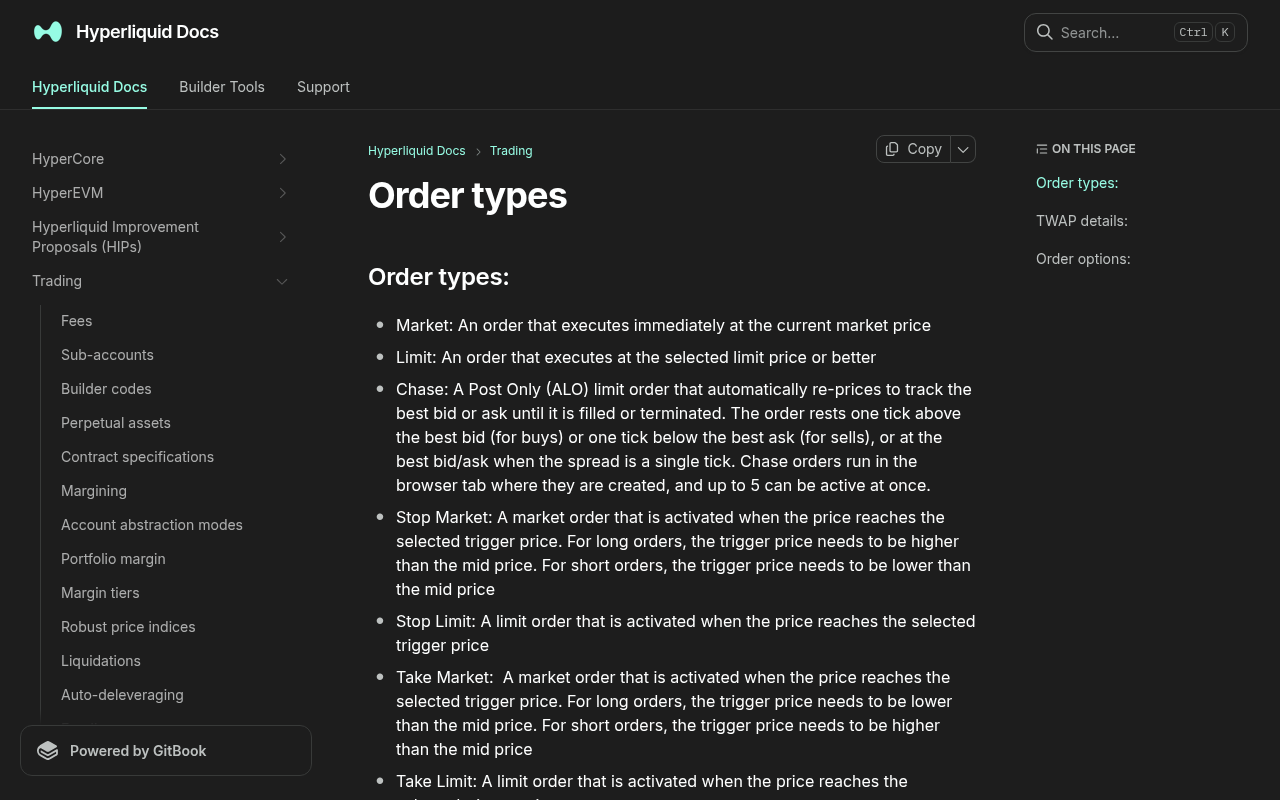
*Evidence: Official documentation, captured and refreshed automatically each week. Official source.*
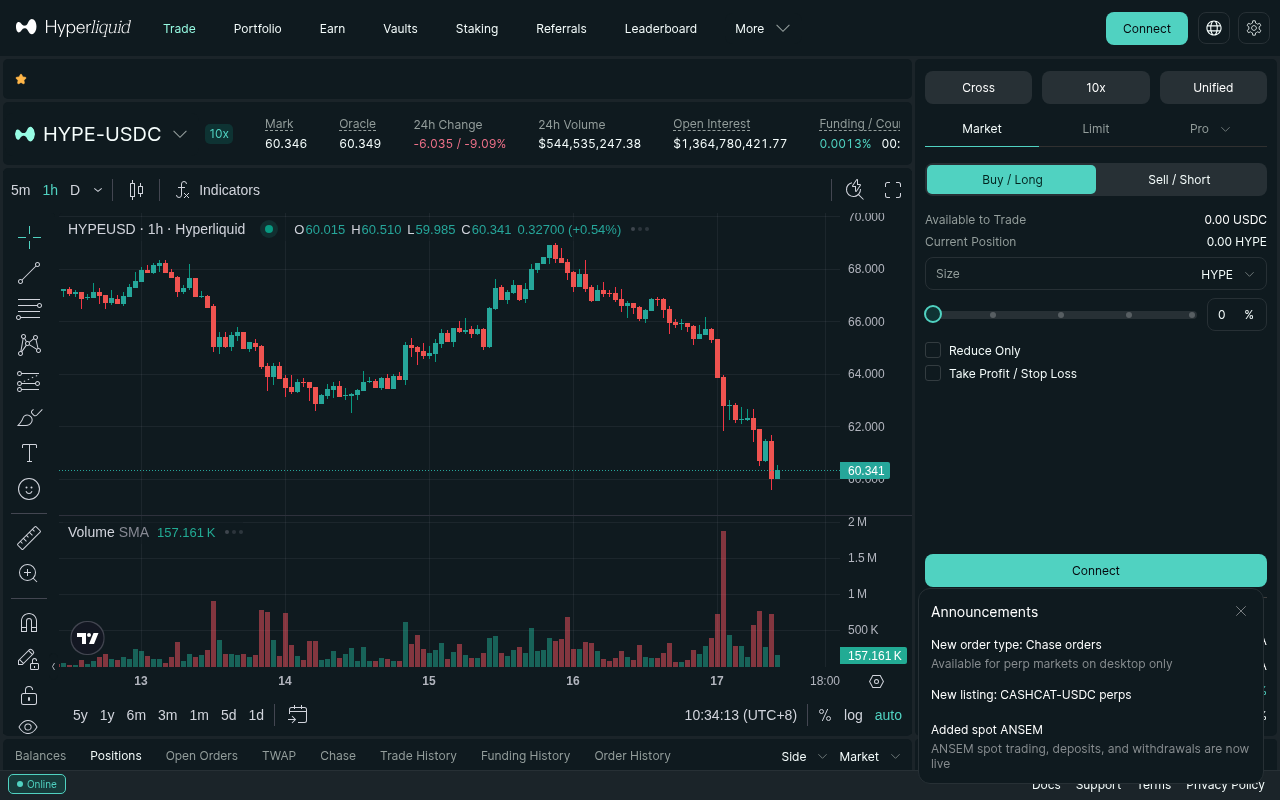
*Evidence: Logged-out mainnet public UI, captured and refreshed automatically each week. Official source.*
Perpetuals do not buy the underlying asset. They create leveraged long or short exposure using collateral, and adverse movement can liquidate the position.
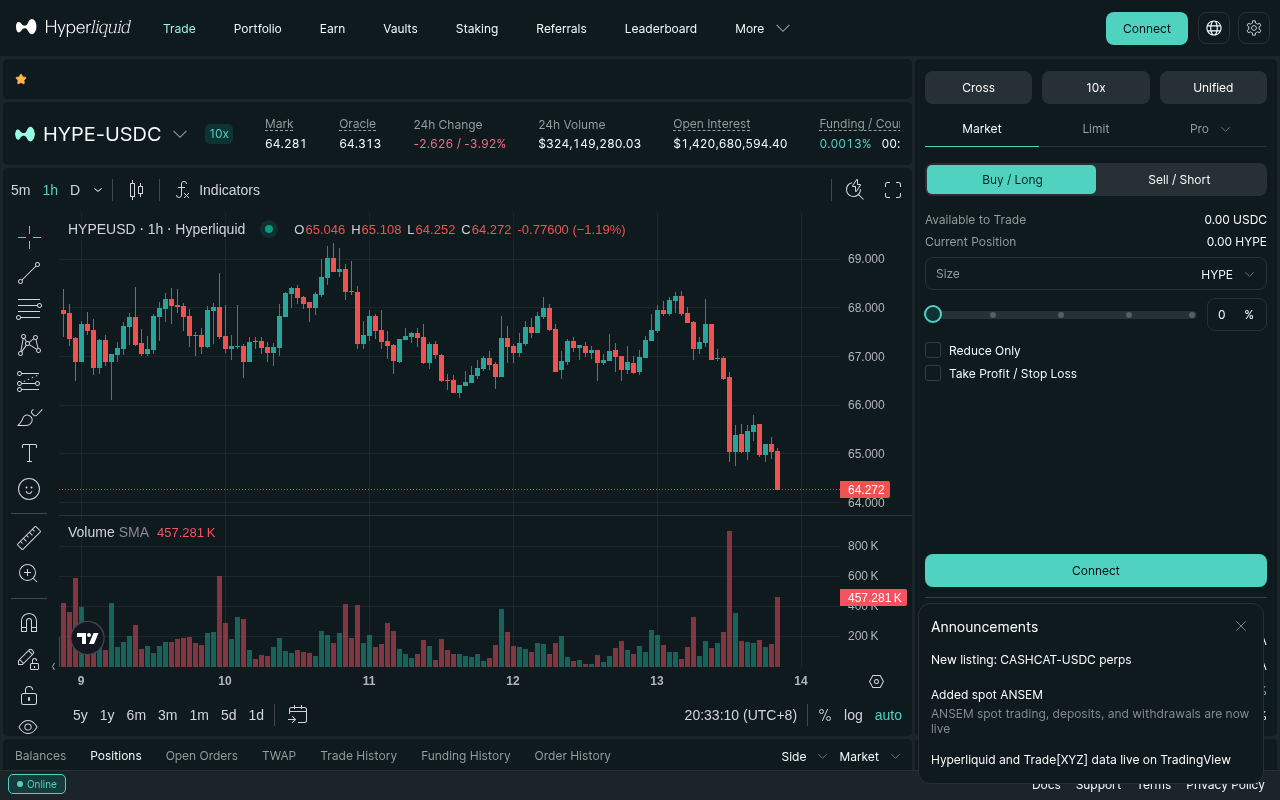
Stop before ordering: define maximum loss
Choose the invalidation price first, then size the position.
maximum loss = account balance × risk percentage
position notional = maximum loss ÷ stop distance percentage
Example: with a $500 account, a 0.5% risk limit is $2.50. If the stop is 2% from entry, the risk-based position notional is approximately $125 before fees, slippage, and gaps. Leverage changes required margin; it does not reduce the notional's price risk.
Use the position-size calculator and round down. For a first test, use an amount small enough that losing the predefined maximum does not change your finances or behavior.
Like what you're reading? Try it yourself — this link supports ChartedTrader at no cost to you.
Open Hyperliquid →Market or limit?
| Choice | What it does | Main first-trade risk |
|---|---|---|
| Market | Executes immediately against available liquidity | Slippage and taker fee |
| Limit GTC | Rests until filled or canceled at the limit or better | It may never fill or may fill later when forgotten |
| Post Only (ALO) | Adds liquidity or cancels instead of crossing immediately | No fill when the price moves away |
| IOC | Fills immediately as available and cancels the remainder | Partial or no fill |
Step-by-step first trade
1. Verify the account and collateral
Confirm the public address, available collateral, and any existing open orders or positions. Do not assume the main account and sub-accounts share balances or referral eligibility.
2. Choose one liquid market
Select the intended perpetual market and verify its symbol. Avoid choosing a similarly named spot asset or another market by mistake. A first operational test is not the time to seek the highest volatility.
3. Choose long or short
A long benefits when price rises; a short benefits when price falls. Write down the thesis, invalidation price, maximum loss, and intended exit before clicking either side.
4. Set margin mode and low effective leverage
Understand whether the position uses cross or isolated margin. Isolated margin limits the margin assigned to that position, but liquidation and loss remain possible. Cross margin can expose more account collateral. Do not increase leverage merely because the interface allows it.
5. Enter the risk-sized amount
Enter the rounded-down position size from the checkpoint. Recalculate when the expected entry price or stop changes materially.
6. Select the order type
Use a market order only when immediate execution matters more than exact price and the displayed liquidity is adequate. Use a limit order when price control matters, then monitor whether it rests or fills.
7. Review and confirm
Read the side, asset, amount, price/trigger, leverage, margin mode, fee estimate, liquidation estimate, and reduce-only state. The official flow includes a confirmation modal. Keep it enabled until the workflow is routine.
Success check: distinguish fill from open order
The trade exists only when the Positions/Fills view shows the intended side and size. A limit order visible under Open Orders is not yet a position. Reconcile:
- average fill price;
- filled size versus requested size;
- fee;
- current liquidation estimate;
- remaining open orders.
Add the exit before watching PnL
Place a stop-loss using the invalidation price and verify its side and size. A protective exit should reduce the current position, not accidentally open the opposite position. Read How to Set a Stop Loss on Hyperliquid before relying on it.
To close manually, use an appropriately sized reduce-only order and verify that the position becomes zero. Cancel leftover entry or TP/SL orders that no longer match an open position.
Failure and recovery
- Order remains open: it is likely a resting limit order; cancel or reprice deliberately.
- Order rejected: check available margin, minimum size, price precision, reduce-only state, and the message shown by the interface.
- Partial fill: manage the actual filled position and cancel the unwanted remainder.
- Wrong side or size: reduce exposure immediately using a reviewed reduce-only order; do not “fix” it by adding another uncontrolled trade.
- Position not visible: inspect Open Orders, Fills, and the active account before resubmitting.
Official sources and review date
Facts verified July 16, 2026. Scheduled for factual review August 16, 2026.Risk warning: Perpetual futures can lose the full margin and can be liquidated rapidly. This workflow reduces operational error; it does not make a trade profitable or safe.
Referral terms: Some links may be affiliate links. We may earn a commission at no extra cost to you. Hyperliquid's referral discount is 4% on the first $25M of eligible volume; Vault and sub-account volume is excluded under the current referral rules.